Introduced with the Gen-3 Alpha of the Runway AI video generator, Act One allows users to bring characters to life from still images and reference videos, producing the most lifelike videos with human mouth movements and expressions.
Pollo Recast
Recreate viral videos. Remix new versions.
Pollo Recast Challenge
One upload in. Your viral video out. Unlimited rewards await.
Pollo Agent x DeepSeek V4.1 FLASH
Faster completion at a much lower cost.
Pollo Agent x Gemini 4 Argon
Smarter reasoning. All through Pollo Agent.
WIN iPHONE DUO
Capture a city in one minute. Join the challenge now.
Pollo MCP
End-to-end content creation. Up to 4 Videos/ 20 Images for FREE.
Get Unlimited GPT Image 2.5
Faster. Sharper. Smarter. Go Unlimited with Ultra.
Key Features
Animate still images with video input: Use a source video, combined with a reference image, to make amazing character animations.
Lifelike expressions and mouth movements: The most realistic details in every facial expression and movement of the mouth during speech.
A range of preset references: You can choose to animate a range of human and animal faces with Act One, or upload your own reference images instead.
Adjustable motion intensity: Set the character to have more or less motion, according to your preference.
Animating Still Images with Videos
Introducing, Act-One. A new way to generate expressive character performances inside Gen-3 Alpha using a single driving video and character image. No motion capture or rigging required.
RunwayML Act One is designed to let you make character-focused animation clips with AI. To produce those clips, you need to combine a source video input, which gives the AI the movements and the speech or audio it needs, plus a reference image, which it uses as the baseline for the animation.
So, you can record a video of yourself reading out a script, for example, and then upload that and use an image of an animated old man as your baseline. Act One will then animate the old man image, overlay the audio from your video, and make him move and speak the same way that you (or your subject) did in the input video.
One of the best aspects of Runway’s Act One is how lifelike and realistic the output is. It has extraordinary levels of understanding facial anatomy and movement, and it uses the movement seen in the input video and copies that over to the final animation. It’s almost like doing motion capture, but without any expensive equipment or time-consuming processes.
A Range of References
When it comes to picking the base or foundation of your animation, Runway gives you a lot of options. It actually offers dozens of different reference images and short video clips in a range of styles, like 3D animated, 2D animated, illustrated, and photorealistic, and these reference characters aren't just limited to human ones.
You can also make animations involving animal faces, robots, and more, so you can effectively create realistic animations that look however you want, from Disney-style princesses to lifelike people. The tool also allows you to upload your own image, should you prefer, opening even more opportunities for creativity and expression.
Motion Intensity Options
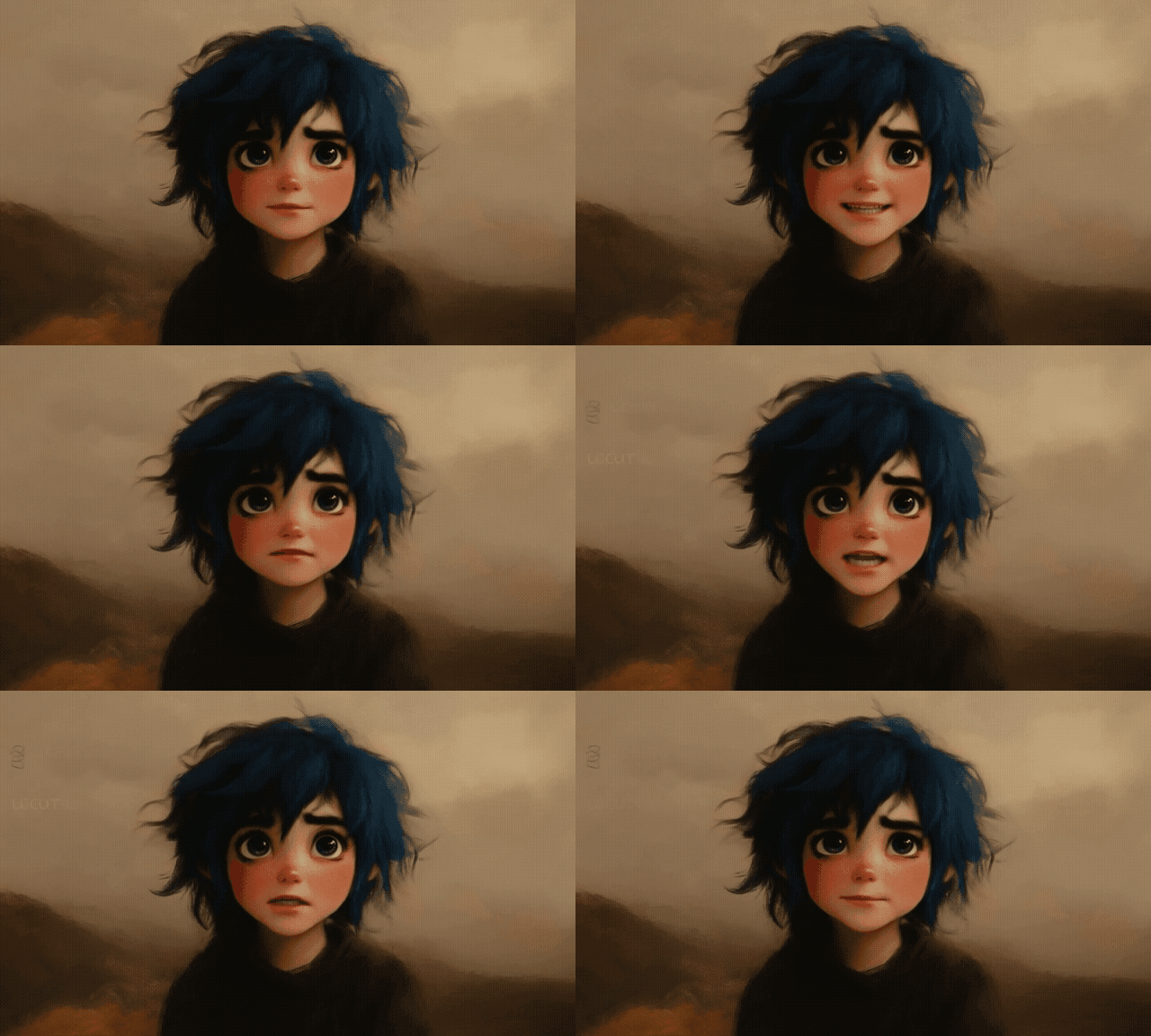
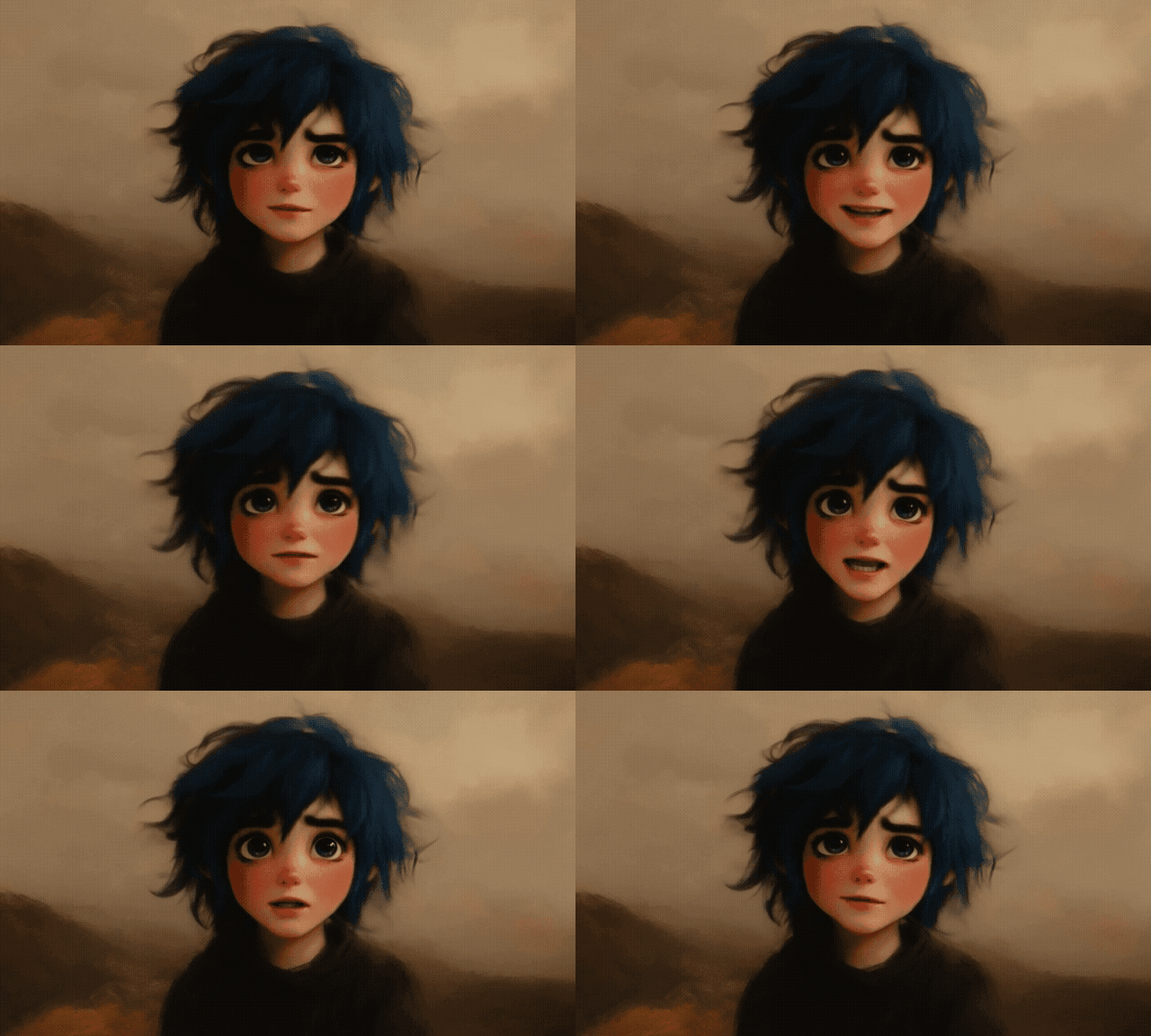
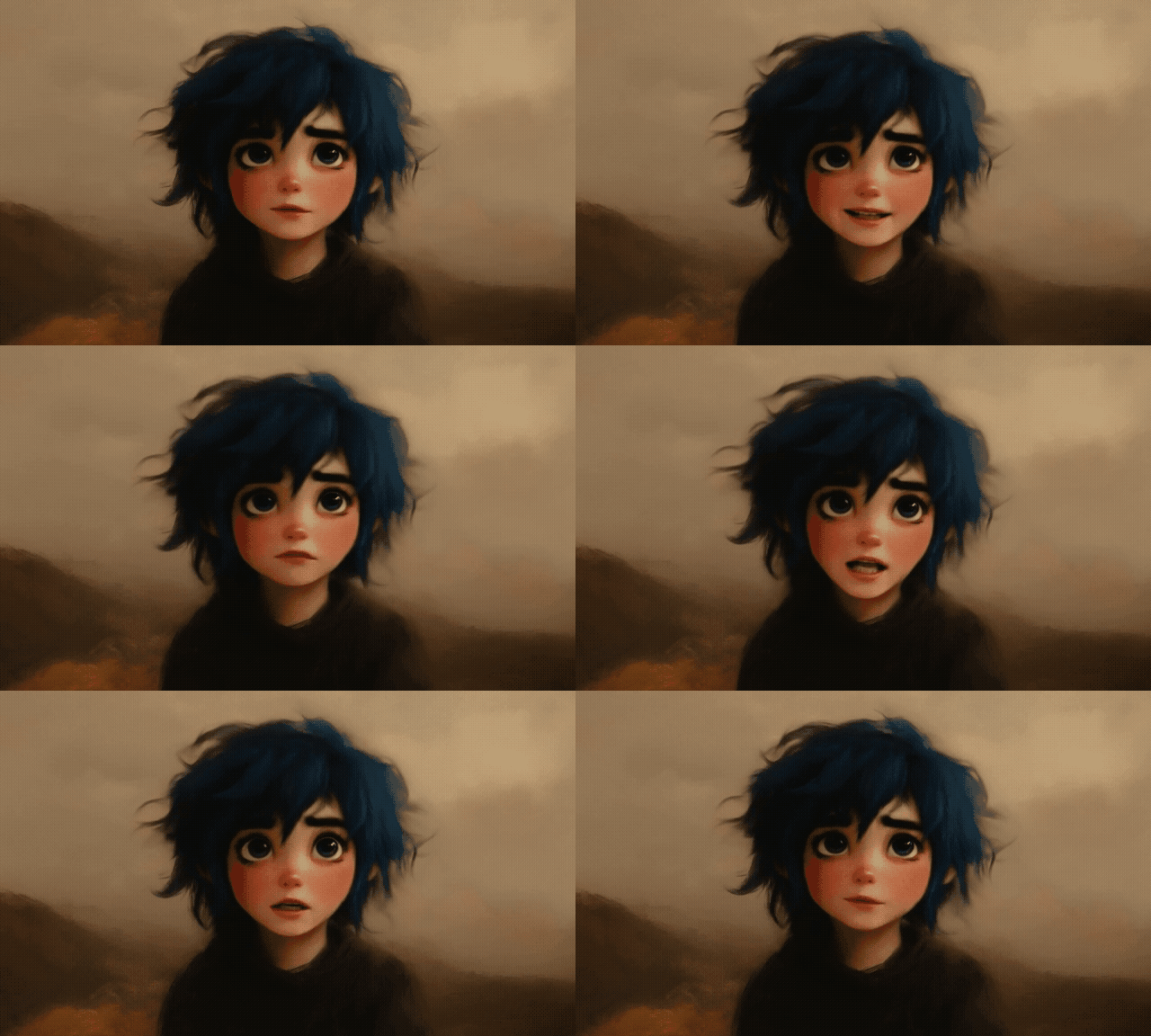
Before generating your animation with Act One, you also get to configure the Motion Intensity setting, which ranges from 1 (the least amount of motion) to 5 (the most). This allows you to set exactly how much movement you get in your final video, so you can make them more energetic and dynamic or more relaxed and calm, according to the desired mood.
Motion Intensity value
Output
1
3
5
Video reviews
Other Reviews on X
Runway just opened access to Act One for all.
Now with AI, anyone can take a real actor's performance to animate any characters.
Changing the facial performance of an existing video with Runway's new Act One update is my favorite thing I've made all year 🤠 pic.twitter.com/Ocd2lSX5rZ
I’ve been using Pollo AI mainly for short videos and quick image-to-video tests. The interface is straightforward and it works well even with simple prompts, which is a big plus compared to tools that need long, complicated instructions. The results can be really impressive, and it’s honestly been fun to experiment with. I’d love a bit more consistency on faces when there’s movement, but overall it’s been a solid experience for what I needed.
Awesome website. loads of options and a great way to learn how to work with 'AI' my reasoning for 5 stars is based upon price, versatility and ease of use. Also I would like to add, Pollo AI runs a lot of promos on different AI products as well. I rate their customer service at 5 stars, when I purchased my first subscription my computer crashed the following weekend and I lost all my data and info passwords you name it I lost it, contacted pollo by email they responded quickly and found my info/username and account, and I was able to restore my account.
I have been using Pollo AI for short videos. It is easy to use and works well with simple prompts. Other generators seem to need long drawn out complicated explanations to get even close to what I want.
i tried 220 online img to vid in 2 months, and this is the best online video.I will subscribe for a year; there are many reasons. But freedom is the most important.
Insightful Articles About Runway Act One
Discover our comprehensive articles about Runway to learn its functions and advantages!
Act-One is an innovative AI tool of Runway for generating expressive character performances in videos. Launched in October 2024 as part of Runway's Gen-3 Alpha platform, Act-One allows users to create animated characters based on simple video input.
What can you do with Runway's Act One?
You can use Runway Act One to make AI character animations, using video input and image references. It works a lot like motion capture, converting the movements from a video onto an AI animation. You can use this for narrative videos, tutorials, advertisements, and more.
What are some best practices for using Act One?
Act One relies on good quality video input to produce the best quality videos. So you need to make sure the videos you upload are good quality, with a single subject facing forward and clearly visible. Avoid excessive head and body movements, and use clear and pronounced facial movements and expressions.
Is Runway Act-One free?
To be precise, Runway takes 10 credits for every second on the Gen-3 Alpha model or five per second if you're using Gen-3 Alpha Turbo. The longer your clips, the more credits you’ll use.
What is the maximum length of an Act One video?
The maximum length of Act One videos is 30 seconds. Minimum length is five seconds.
What to do if Act One doesn't work?
There are a few troubleshooting steps you can try if Act One isn't giving the right results. The best way to usually fix it is to record and upload a better quality video input with good lighting, a clearly defined subject, and minimal body and background movement.
Experience the Ultimate AI Video Generator!
With Pollo AI, you can easily access top AI video models like Kling AI, Runway, Pixverse AI, Vidu AI, Luma AI, and more—all in one place, for free.







 Liz Cassidy


